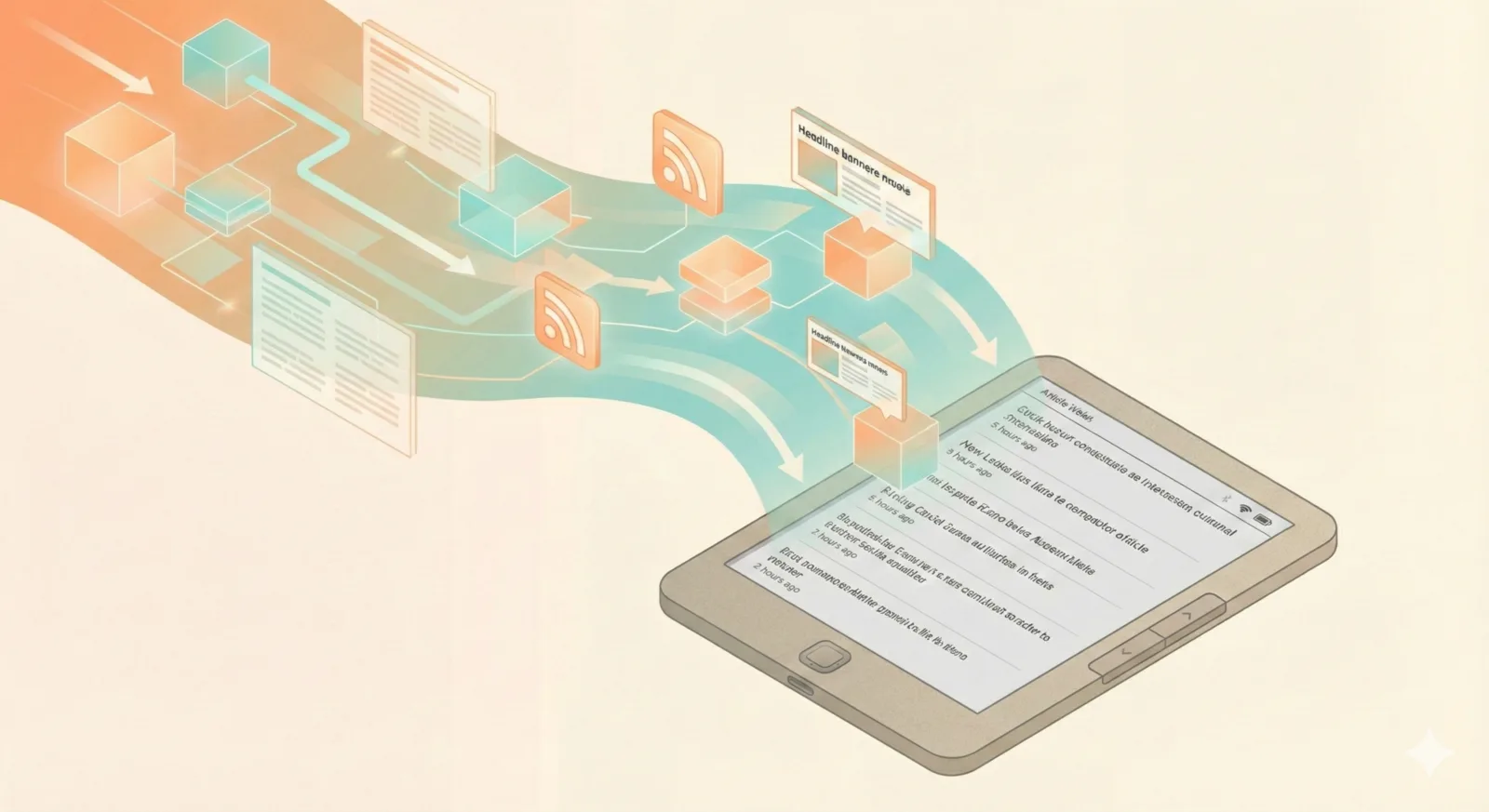
From Phone to E-Ink: How I Built My Perfect Reading Setup with Wallabag
I love keeping up with tech news, especially nowadays with AI and agentic everything moving so fast. I read a lot to fill this desire to learn and stay up to date. To feed this insatiable need I follow a few blogs and daily newsletters. Way back in the day (circa 2010) I heavily used Google Reader to keep track of my RSS feeds. Since that Google service went away, newsletters and tech news podcasts have helped fill the gap. I spend my mornings and evenings skimming through and either reading new content in the moment or saving it to be read later. All of this happens via my phone, so whenever I’m reading stuff in bed before passing out, the phone screen’s light isn’t great for falling asleep to. I much prefer reading from my Kindle since its e-ink screen is easier on the eyes, and it prevents me from going down all-consuming rabbit holes.
One day, I came across an article mentioning that Kindles can be hacked. This was an eye-opener for me because I love hacking my devices and getting more functionality out of them, especially with all the different apps and services that others in the open-source community have added and contributed. One recent weekend I ended up hacking my Kindle, and it was awesome. After hacking you can use the regular Kindle experience, or click into a “KO Reader”-titled book which brings you into the wonderful open-source and feature-rich reading app called KOReader. Some stand-out features are the mutliple file format support, an RSS feed reader, integration with Calibre, and something called Wallabag for synchronizing content (kinda like Read It Later / Instapaper).
I immediately started using the RSS feed reader feature. Enter a few RSS feed urls, and you can have your kindle fetch the latest news from those sites. This was great for reading some of the most common blogs I frequent. Over time, I encountered some pain points, such as bad HTML formatting of the posts, images not being correctly fetched, and some websites like Medium just didn’t work. Additionally, maintaining the list of RSS feeds was rough to do on the Kindle’s keyboard. I also wanted to be able to read any blog post, even if it wasn’t from a site that I had subscribed to. Being able to send those articles that I find from my newsletters or random sites to my kindle for later reading would be a dream for me.
I was a big user of Pocket too until that service closed down recently. Now I use Instapaper, but KO Reader didn’t have any integrations with that, and there didn’t seem to be any easy ways to sync saved articles to my Kindle. Beside the RSS feed reader was an app called called Wallabag that I’ve never heard of before. From some quick searching it sounds like it could help, but that deepdive would have to wait for a weekend when I’m free.
Wallabag
Wallabag is a read-it-later self-hosted service, similar to Instapaper, where you can save articles and read them later. This service has numerous integrations, a chrome extension, phone apps, and web apps to help you add, read, and organize articles. As the Christmas holidays arrived, I found myself with a lot of free time and a desire to do some coding, but I forced myself not to engage in any work-related stuff. I remembered Wallabag and decided to fully dive into getting that set up on my home server and validating that it would solve all these needs I had.
Much of the work of getting a local Wallabag instance created and running was sped up by getting a coding agent to drive most of the setup, including all the configuration for Docker Compose. Once that was running, I got the Wallabag Kindle app setup and configured to use my local Wallabag server. I could add articles to Wallabag through the web UI, via the android app, or a browser extension. Then on my Kindle, I just had to click to fetch the latest content from the Wallabag server and it all showed up! Magic.
My main goal was to replace the functionality of the Kindle RSS reader. This was partially working now: I could add articles from any of my devices and they’d get synced to the Kindle, but there wasn’t a way to auto-add articles via RSS feed. Unfortunately, the authors of Wallabag are opposed to adding this feature. Thankfully, there are other open-source services and RSS readers that integrate with Wallabag. I tried using Miniflux, but it required each article to be manually saved to actually have it sent to Wallabag, so that wasn’t suitable.
I decided to code exactly what I needed: a service that periodically pulls all the RSS feeds and blogs I’m interested in, then sends the new posts to the Wallabag API to actually add those articles. I created a small tool called RSS Wallabag. It’s a Python service that fetches all RSS feeds every hour. It has a mechanism to track which articles it has and hasn’t seen, allowing it to call the Wallabag API to add the new articles. It also extracts the article’s tags, so those show up alongside the article in Wallabag. Later on I also added the ability to proxy Medium articles through a free service called freedium-mirror.cfd, since fetching directly from Medium doesn’t return any content.
Now, I can sync my Wallabag client running on my Kindle and it’ll fetch all the new articles and content from the Wallabag server. Images are included, and the formatting looks great. I can even manually save articles, and they’ll also show up. It’s fantastic, and I’m really enjoying it because I’m not staring at a screen into the late hours of the night fighting falling asleep.
Who I’m currently following
This list is pretty new since I just started assembling this over the past couple months, but it mainly focuses on people who write about AI, agents, and where that’s all going. The AI hype is real.
- simonwillison.net - absolutely great daily commentary on AI news
- steve-yegge.medium.com - creator of Beads and Gas Town
- addyo.substack.com and addyosmani.com/blog
- ghuntley.com
- steipete.me - creator of OpenClaw/Clawdbot
- me.0xffff.me
- karpathy.bearblog.dev
- blog.cloudflare.com
- danshapiro.com
- sankalp.bearblog.dev
- ashtom.github.io
- lucumr.pocoo.org